Copy Agent Composer guide
Write a script in blocks, estimate its length, rehearse it in the teleprompter, and review changes with Copy Agent or your MCP client.
ComposerStart with a draft you can record
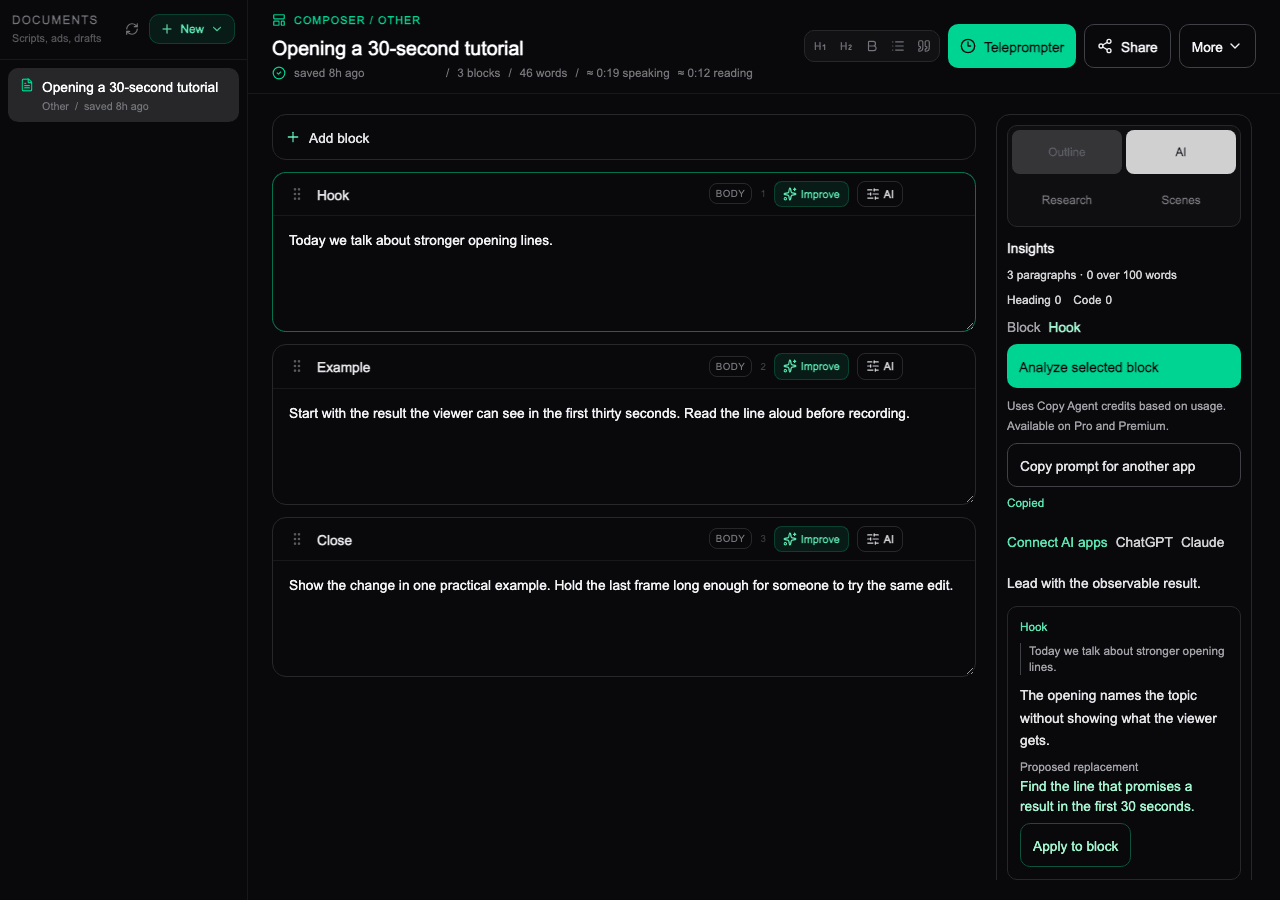
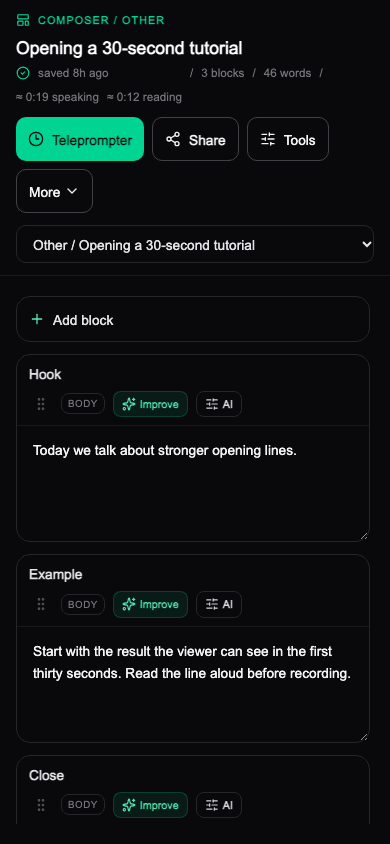
Open Composer from your member workspace. Choose a blank document or a template, then paste your copy into one or more blocks. Keep notes and research in separate blocks so they stay out of the spoken script.
Writing, organizing blocks, timing the script, rehearsing, and sharing a copy use no Copy Agent credits. The header estimates silent reading at 230 words per minute and speaking at 150. Rehearse with your own pace before planning a shoot.
Review a block before applying a change
Select a block and open AI in the tools panel. The paragraph scan is free. Analyze selected block uses Copy Agent credits on Pro and Premium. Read the excerpt, explanation, and suggested replacement before choosing Apply to block.
For a short Reel or TikTok, start by stating what the viewer will get and remove setup that delays that payoff. For a VSL or ad, keep the claim and its evidence together. For an organic tutorial, give the reader an example they can try and a way to check the result.
Original: In today's video, we're going to talk about writing better hooks.
Replacement: Read your first line aloud. Can a viewer tell what they get in the next 30 seconds?
Analyze a blog or script in your connected AI app
Copy the prompt from Composer, then paste it in the AI app you connected to Daily Intel. The prompt includes your draft and brief. Review the text before sending it to another service.
For a technical blog post, use audit_article_structure with the article text. One MCP unit returns timing, dense paragraphs, heading count, and signs of examples and links. For ads and sales copy use audit_copy, which costs five units and follows the audit limits of your MCP plan. Each request uses your MCP entitlement or available units.
{
  "locale": "en",
  "text": "# Drafting a 30-second intro\n\nExplain the task, give a worked example, and show the reader how to verify the result."
}
Rehearse, then choose what to share
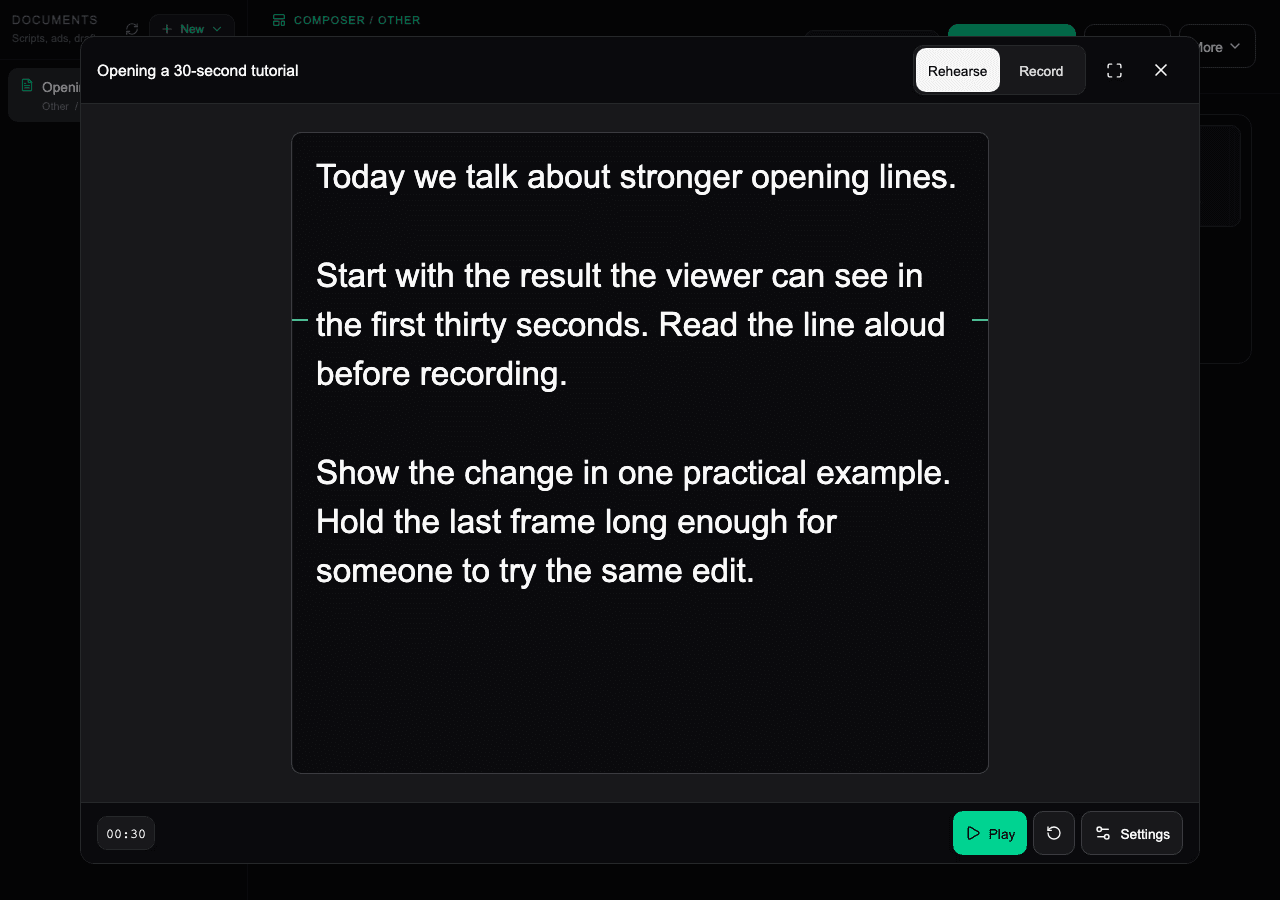
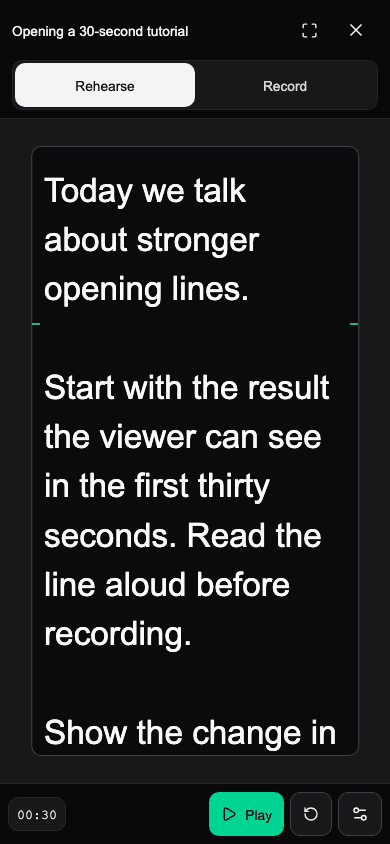
Open Teleprompter to start, pause, reset, or adjust the scrolling pace and text size. Use the speech estimate to choose a first pace, then read the script once aloud and adjust it to your delivery.
Open Share and preview the text that will be included. Choose a read-only document or a teleprompter link. Anyone with the link can view that snapshot for 30 days. Later changes to the draft are private, and you can revoke the link from the same panel.
Frequently asked questions
Can I use Composer without AI credits?+
Yes. Members with active access can write, save, time, rehearse, and share scripts without using Copy Agent credits.
Does an MCP review change my Composer draft?+
No. MCP analyzes the text you provide in your connected app. Review the response before copying changes back into Composer.