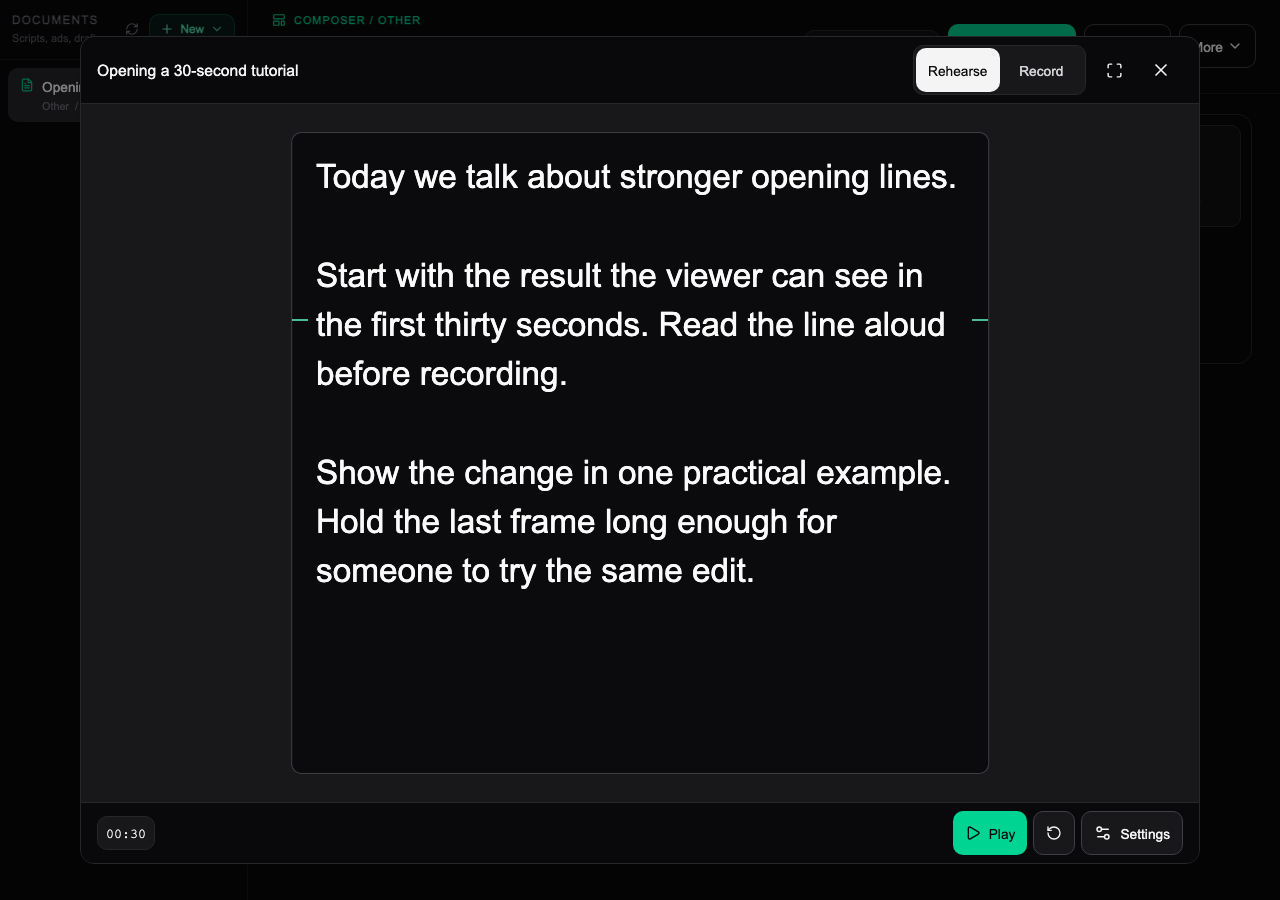
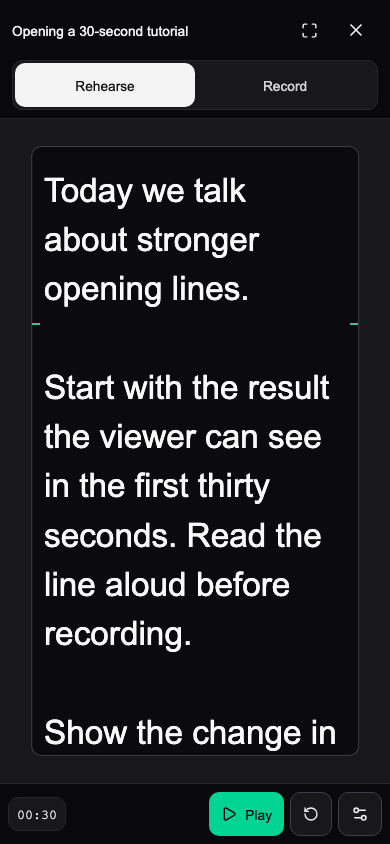
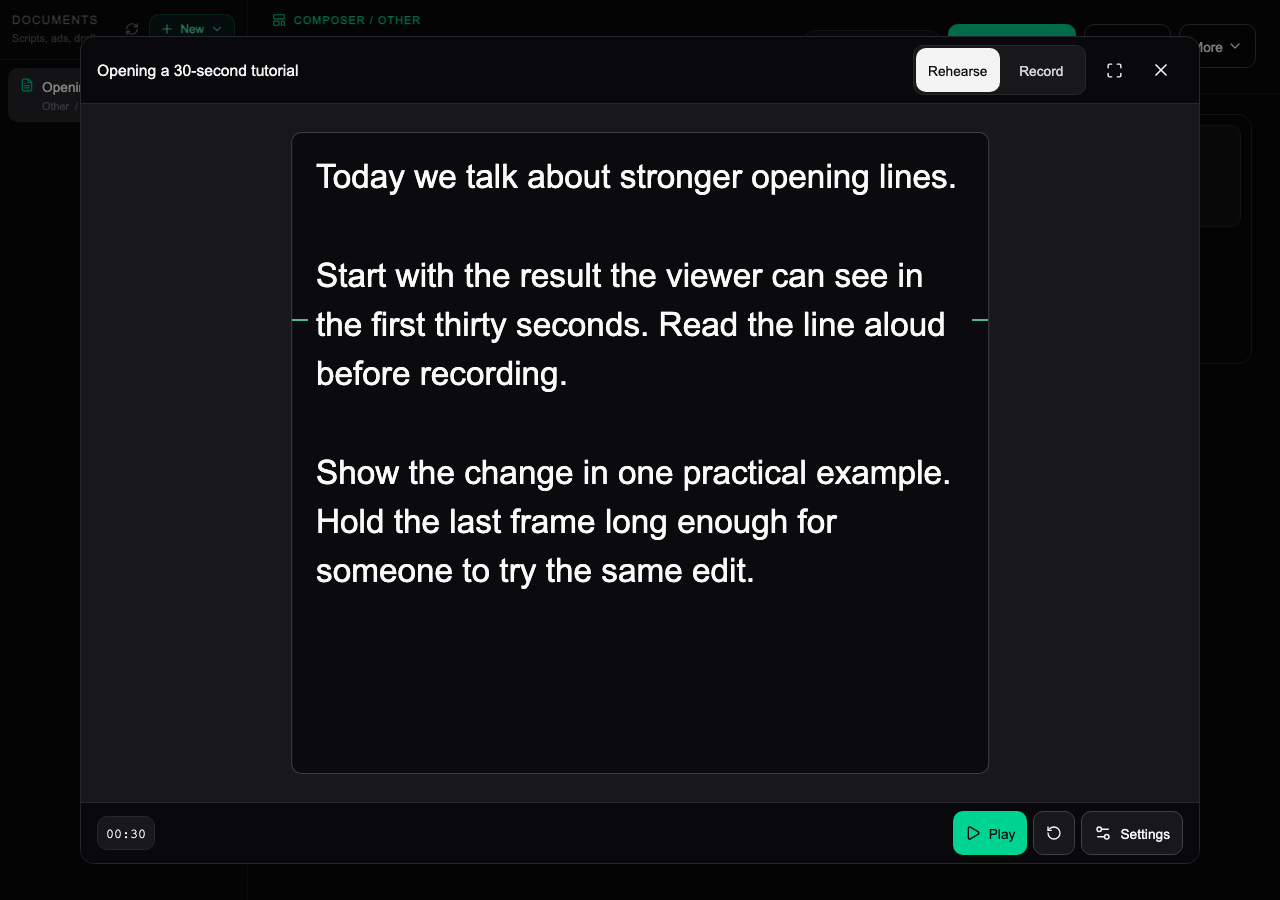
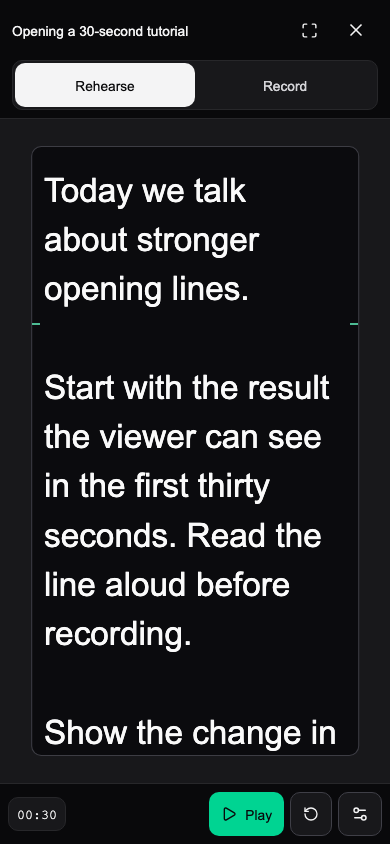
Desktop rehearsal with text and timing controls.Mobile rehearsal with touch controls and a readable script area.
Runs in your browser
Video stays on your device
No Copy Agent credits
Tutorials
1
Start with a script
Open the teleprompter and paste your text. To work from a saved script, open Composer and choose Teleprompter.
2
Rehearse at the right pace
Set the font size and choose a fixed pace or target duration. Pause in silence uses the microphone locally. Word following requires supported on-device speech recognition and an available language pack.
3
Record and save a take
Switch to Record and allow the camera and microphone. Move the script near the lens, set a countdown, and start recording. Preview the take and download the clean video to your device.